
Websites for solar installers and EPC companies
Homeowners enter their bill and roof size, see likely savings from your assumptions, understand the subsidy, and book a site survey on WhatsApp.
Tools on your website
- Savings calculatorBill, roof area, sanctioned load
- Subsidy explainerPM Surya Ghar, step by step
- Site survey bookingStraight to your WhatsApp
Krira Digital builds websites for rooftop solar installers, EPC companies and solar dealers. The site helps a homeowner or factory owner size a system, see what it could save, understand the subsidy and book a site survey without a long first call.
Survey requests reach your WhatsApp with the bill amount, roof area and sanctioned load filled in. We also work remotely with solar installers in the US, UK and UAE.
What a weak solar website costs you
Tools we build for solar companies
How we build it
- 1Your numbers firstYou give us your price per kW, generation per kW for your region, tariff slabs and roof rules. The calculator uses only your figures.
- 2Subsidy and survey flowWe write the subsidy explainer from the official portal and build survey booking around your team's areas and days.
- 3Launch and keep it currentThe site goes live with your gallery and registration details, and we update subsidy text during your free maintenance period when official figures change.
Live proof
A 1,432-model catalogue for PTP CNC Toolings
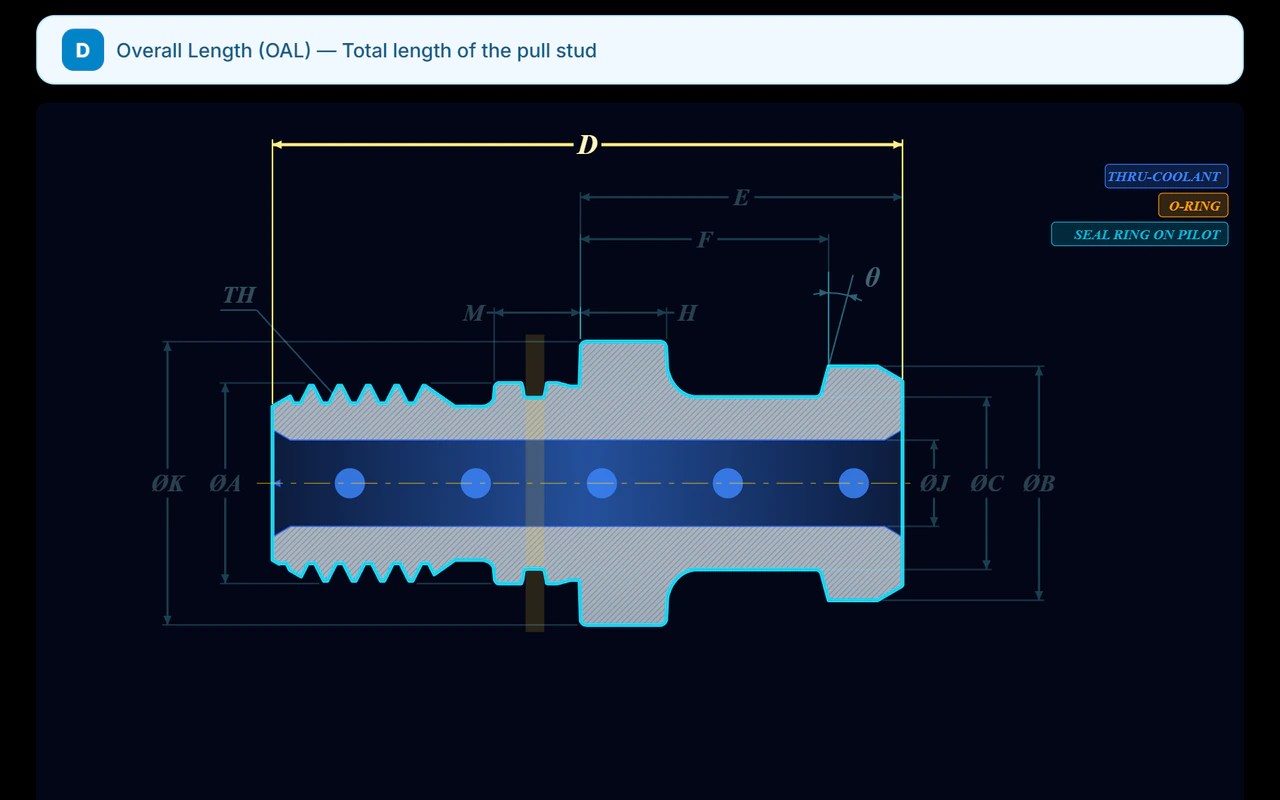
Our flagship build is for a precision tooling maker in Belagavi. Every model has its own page, an interactive drawing and a 3D view, and buyers find the right part with a selector.
Our flagship holds 1,432 tool models with product selectors for PTP CNC Toolings. The solar calculator is the same kind of building block: your assumptions in, a clear answer out.
Pricing on request
Every project gets a fixed quote in writing after a short brief. Payment in three stages: advance, preview, launch. We reply within one working day.
Questions
How much does a solar company website cost?
We quote a fixed price in writing after a short call about your services, the calculator rules and your projects. Send a short brief and we reply within one working day.
Do you build solar company websites for clients in the US, UK or UAE?
Yes. We work remotely with solar installers in the US, UK and UAE. The savings calculator uses the local tariffs, currency and incentive rules you give us, so we never guess at local schemes. Pricing outside India is on request, quoted in writing before any work starts.
How does the website explain the PM Surya Ghar subsidy?
From the official national portal, pmsuryaghar.gov.in. The explainer sets out who can apply, how the central subsidy is worked out by system size, and the steps from application to net meter. The calculator reads the subsidy figures from settings, so we update them when the ministry does.
Do installers need to be registered for customers to get the subsidy?
Yes. Under PM Surya Ghar, the homeowner picks an installer from the registered vendors listed for their DISCOM on the national portal and pays that vendor. The system must use India-made modules and cells. If you are registered, we show it, so buyers can check you on the portal.
Will the savings calculator promise exact savings?
No. It shows an estimate from the bill, roof area and sanctioned load the customer enters, using your generation per kW, tariff and system price. The page lists those assumptions. Real savings depend on shading, usage and your DISCOM's net metering rules, and your survey confirms them.
Can the site handle commercial and factory rooftop enquiries too?
Yes. A separate path asks for connected load, monthly units, roof or land area and working hours, because the household subsidy does not cover factories and owners judge by payback. Those enquiries reach your commercial team on WhatsApp with the numbers already filled in.
Tell us what you need.
Website, catalogue, software or app. Message us and we reply within one working day.
Tap one. Your message is already written: just press send.